






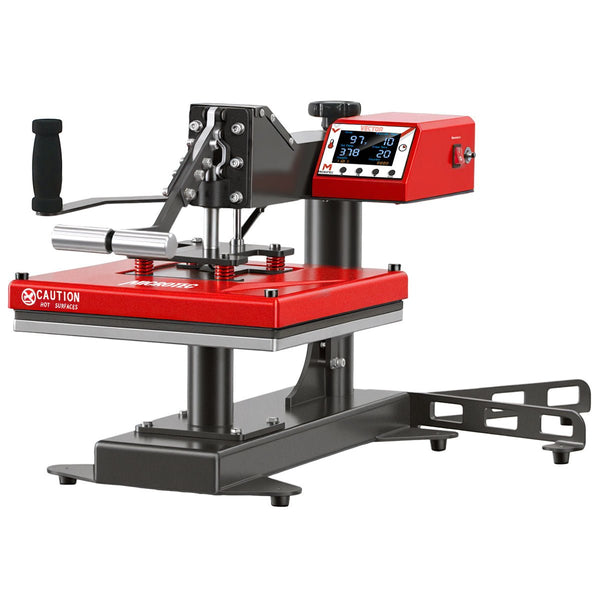
Step-by-step help
Follow the steps in order, or select the step you need.
Step 1 of 5
Before you use your machine
- Open the box. Compare the parts with the packing list in the manual.
- Keep all the packaging until we tell you that you can discard it.
- Put the machine on a level table that can hold its weight.
- Use a wall outlet with the voltage on the machine label. Do not use an extension cord or a power strip.
- Read the safety instructions in the manual.
Report parcel or concealed shipping damage within 48 hours of delivery, with photos.
Step 2 of 5
Install your machine
- Remove all tape and packing material from the platens and the arm.
- Connect the power cord to the machine. Then connect it to the wall outlet.
- Pneumatic machines only: connect clean shop air at the pressure in the manual.
- Turn on the machine. Set the temperature and the time.
- Let the machine heat for 10 minutes before the first press.
- Do a test press on a scrap garment.
A light smell during the first heat cycles is normal. Keep the room ventilated.
Step 3 of 5
Find and fix the problem
- The machine does not heat. Make sure that the power cord is fully in and the outlet has power. Examine the fuse.
- The temperature looks wrong. Let the machine heat for 10 minutes. Do not open the press during this time. Then measure the platen with an infrared thermometer.
- The transfer peels or is not complete. Use the temperature, time, and pressure from your transfer supplier. Increase the pressure a small amount. Keep seams out of the design area.
- The auto-open does not release. Make sure that the timer is at zero and nothing blocks the head. If it still does not release, turn off the machine. Do not force the head.
- The breaker trips. Connect the machine directly to a wall outlet on its own circuit.
If the problem continues, speak to a technician. Have your order number and product number ready.
Step 4 of 5
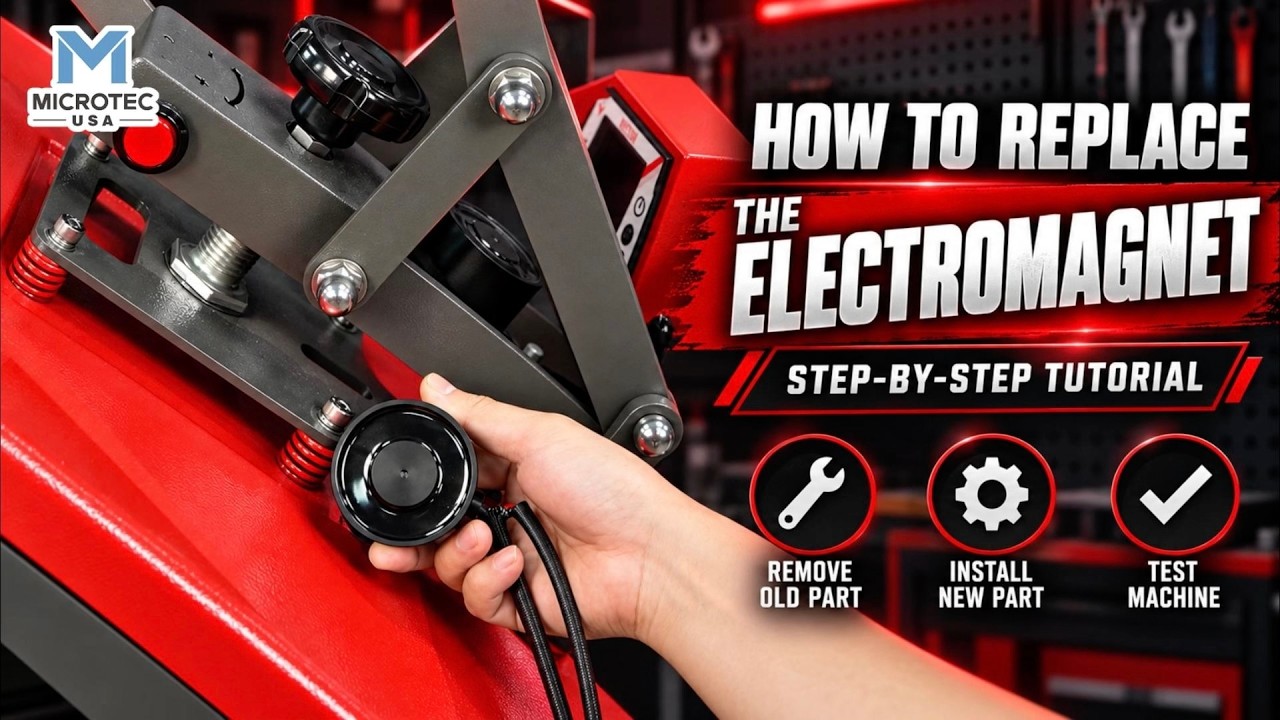
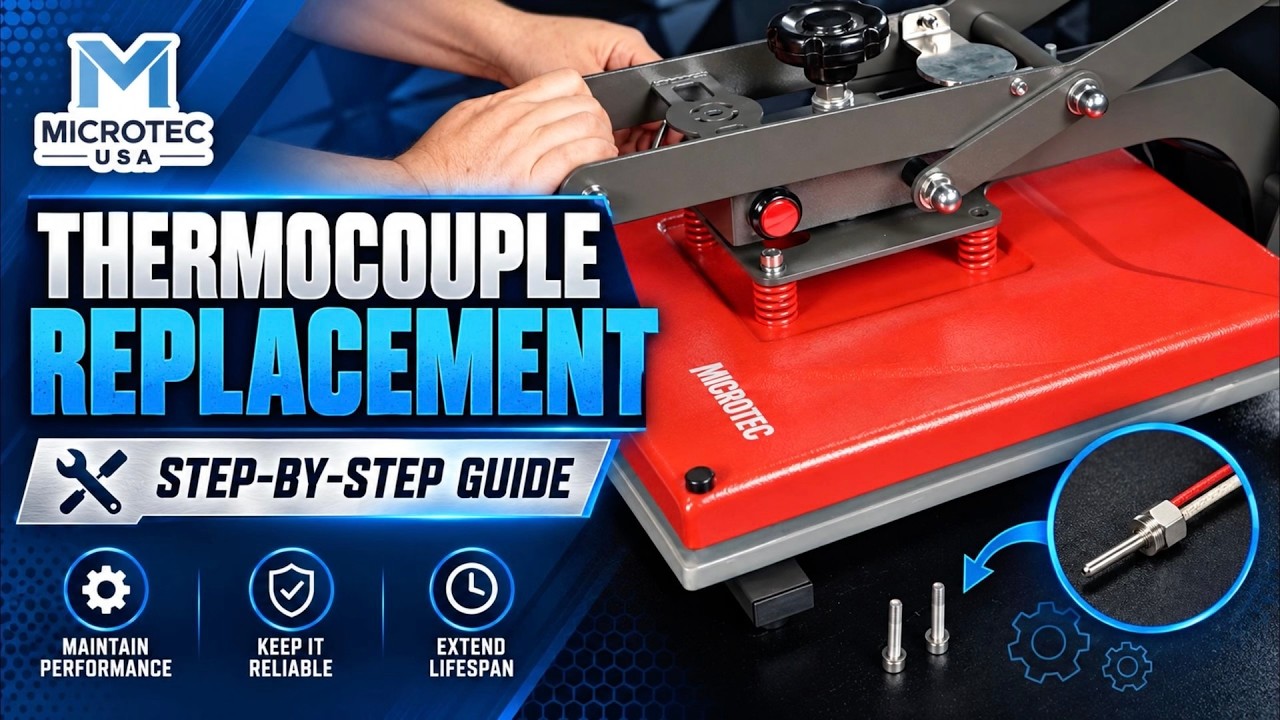
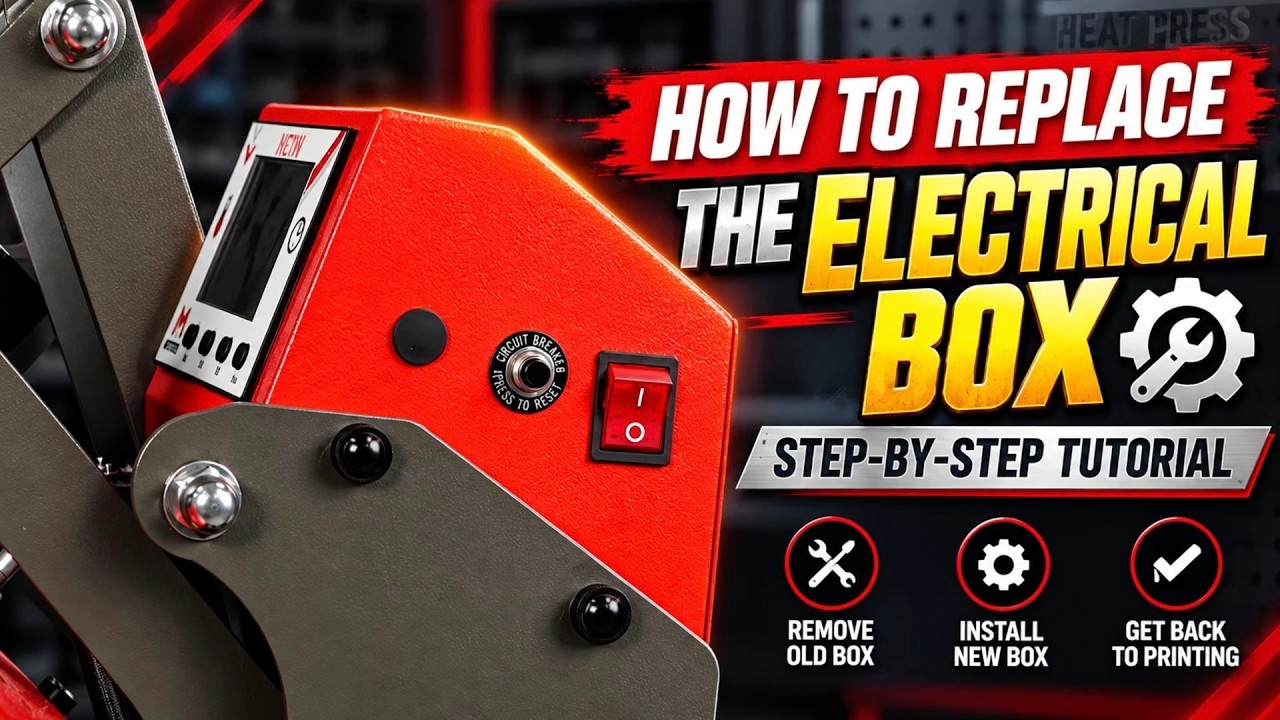
Replace a part
You can replace most parts at your work table. Our videos show each step.
- Find the product number on the label on your machine.
- Turn off the machine and disconnect the power cord. Let the platen become cool.
- Watch the repair video for your machine.
- Order the part. We ship parts that are in stock on the same day.
Step 5 of 5
Start a return or a repair case
Start every return in the returns portal. You need your order number and the email you used at checkout.
- Unused item: start the return within 30 days of delivery.
- Damaged on arrival: report parcel or concealed shipping damage within 48 hours of delivery. Send photos of the box and the damage.
- Machine does not work: call (714) 261-9498 within 10 calendar days of delivery. A technician diagnoses the machine with you by phone or video. If the technician confirms a defect, you can return the machine. You pay no restocking fee, and we pay the return freight. After 10 days, the 2-year parts warranty applies. The warranty does not include labor.
Do not send an item back before you get a return authorization from us.
How can we help?
Select your machine to see its manual and videos.
The product number is on the label on your machine.
No machine matches . Check the product number on the machine label.
Your machine
Product number: View product page
This manual is not online yet. Contact support for help.
Help topics
- Quick-Start & Installation Videos Watch these first to setup or troubleshoot your machine.
- Manuals Download the manual for your machine.
- Technical support Speak to a technician about a problem with your machine.
- Returns and repairs Start a return, report damage, or send us a video of a machine problem.
- Warranty registration Register your machine with MicroTec USA (if bought through a dealer).
- Spare parts Find the parts that fit your machine.
- Order status Sign in to see your orders and tracking numbers.
- Questions and answers Find answers to common questions.
Speak to a technician
Have your order number and product number ready. Photos or a short video of the problem help.
- (714) 261-9498
- tech@microtecusa.com
- Monday to Friday, 8:30 AM to 5:00 PM Pacific time
Videos
Find your machine by product number to see its videos.
Videos for
Topic
Machine series
20 videos
Set up your machine and learn the controls.
Find the cause of a problem and fix it.
 1:21
Fix Base Plate Lifting on Cap Heat Press
1:21
Fix Base Plate Lifting on Cap Heat Press
 1:28
Fix Over Heating on TITAN Heat Press
1:28
Fix Over Heating on TITAN Heat Press
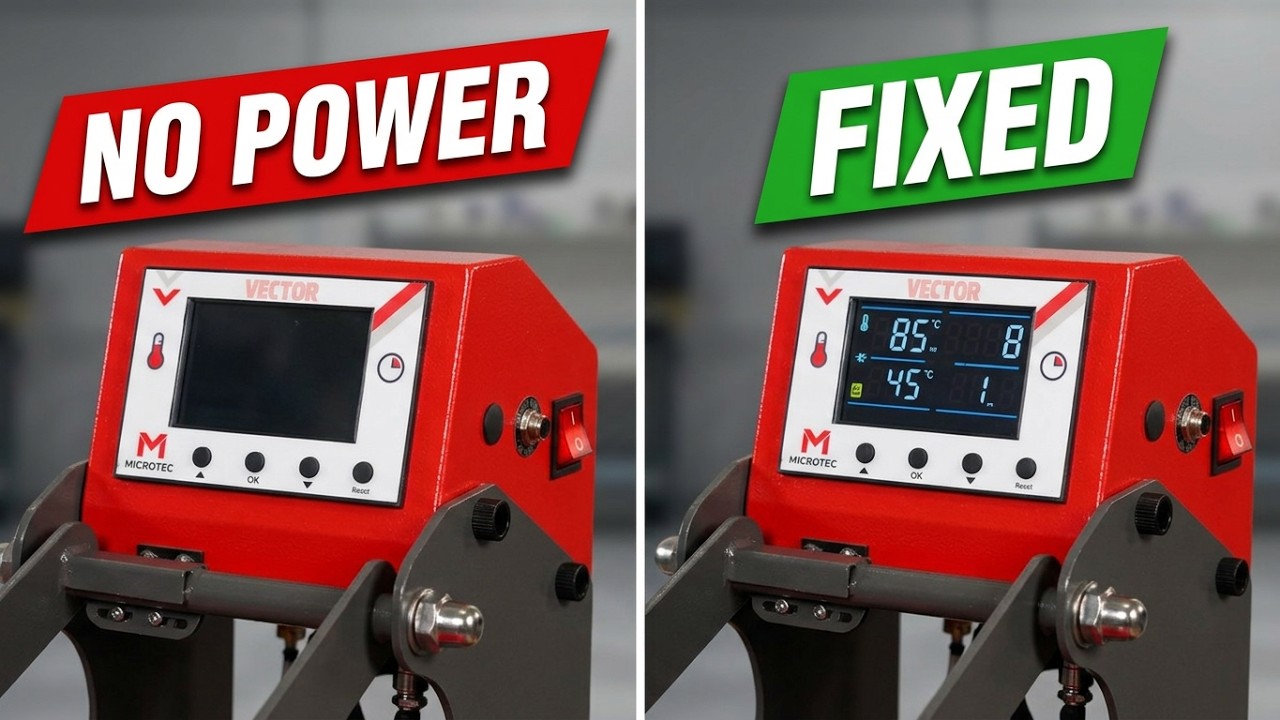 1:49
Fix Power Issue on VECTOR Heat Press
1:49
Fix Power Issue on VECTOR Heat Press
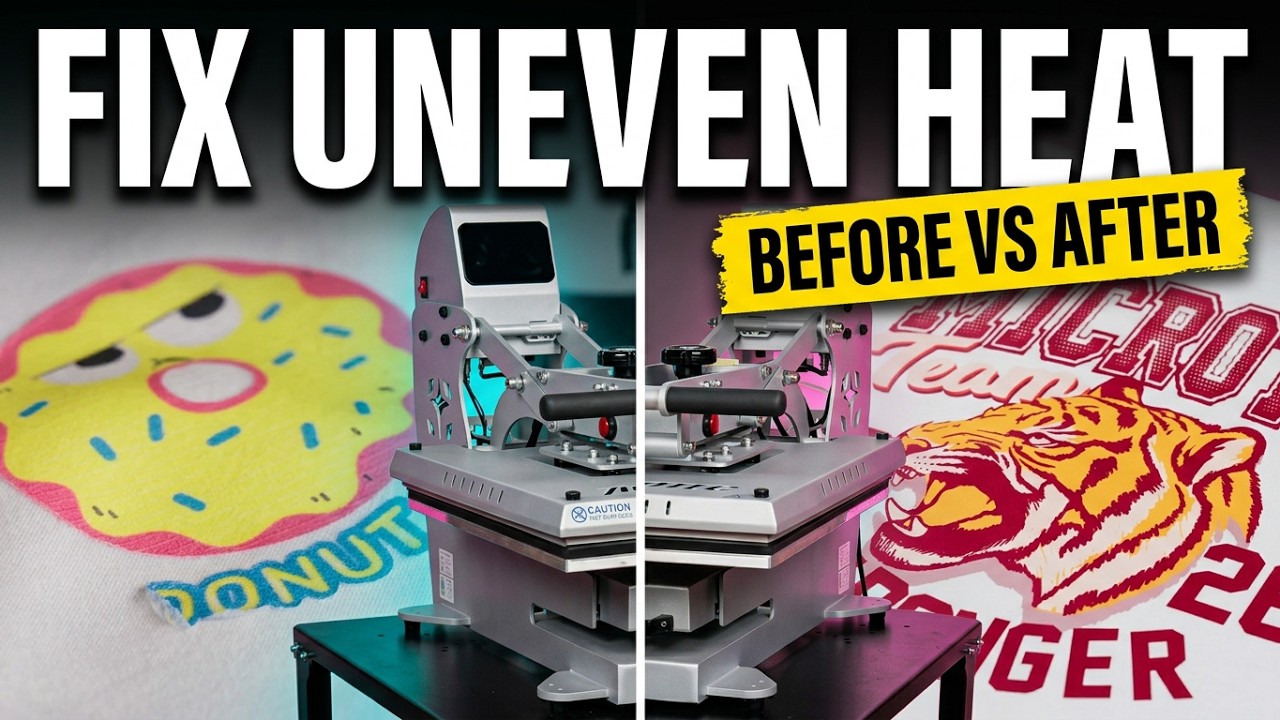 1:49
Fix Uneven Heating on VECTOR Heat Press
1:49
Fix Uneven Heating on VECTOR Heat Press
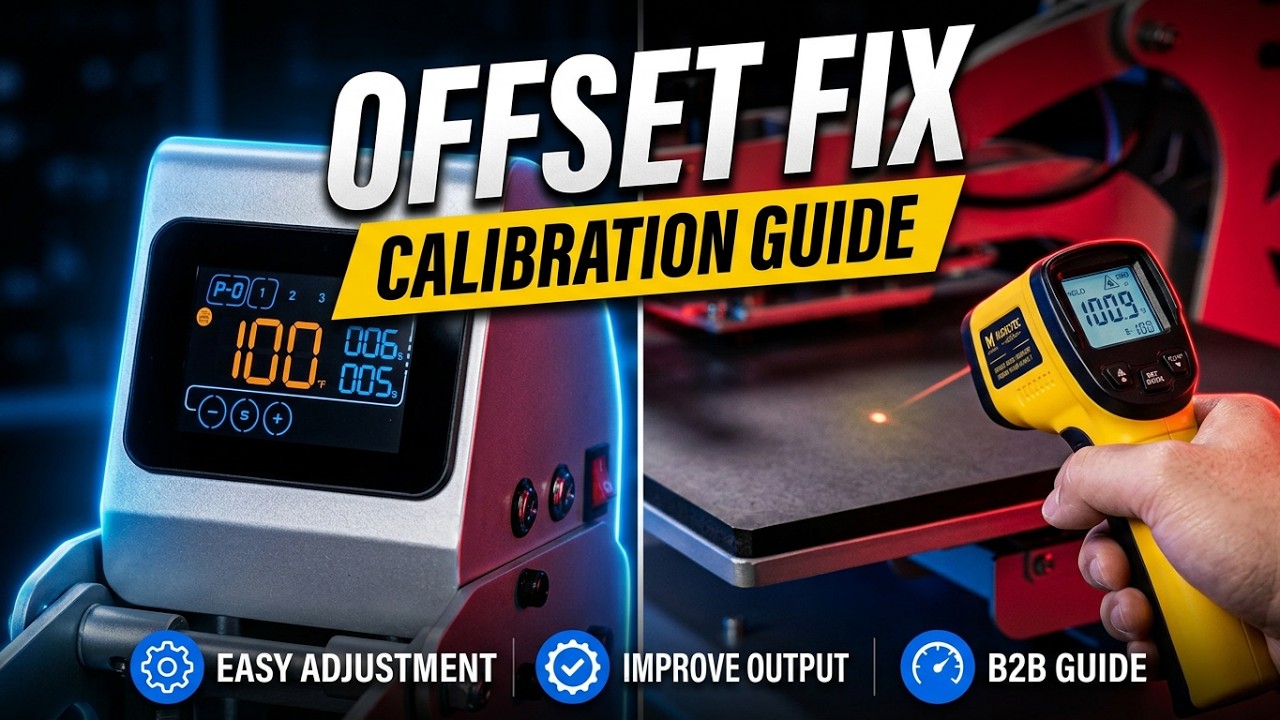 2:03
TITAN Temperature Offset Calibration Step-by-Step
2:03
TITAN Temperature Offset Calibration Step-by-Step
 1:23
VECTOR Fix Auto-Open Not Working
1:23
VECTOR Fix Auto-Open Not Working
 1:52
VECTOR How to Fix DTF Transfer Issues
1:52
VECTOR How to Fix DTF Transfer Issues
 1:49
VECTOR & TITAN Heat Fluctuation Troubleshooting
1:49
VECTOR & TITAN Heat Fluctuation Troubleshooting
 1:16
VECTOR & TITAN Press Won't Close Troubleshooting
1:16
VECTOR & TITAN Press Won't Close Troubleshooting
Replace a worn or broken part, one step at a time.
Still not fixed? Contact support and give us your product number.
Product Manuals
Browse and download manuals organized by machine series.
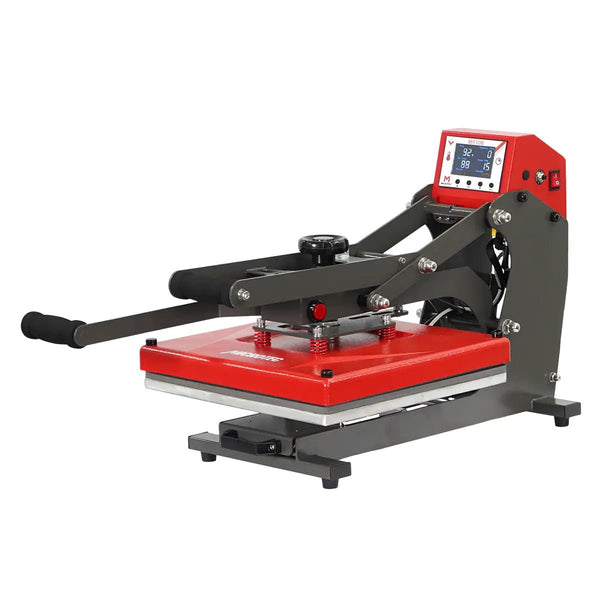
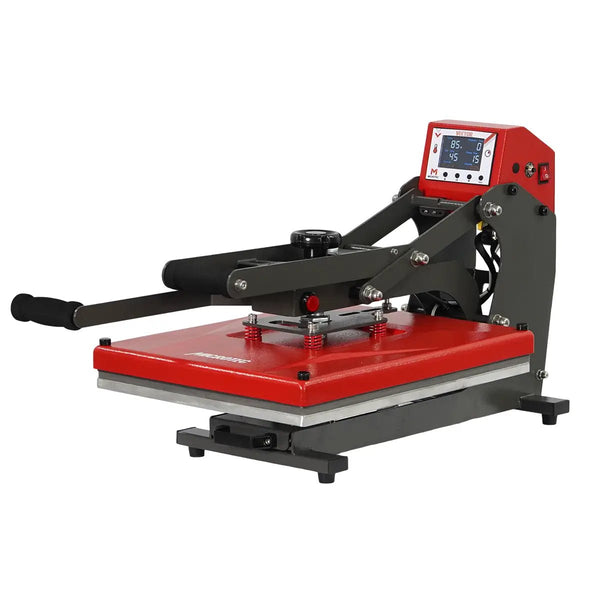
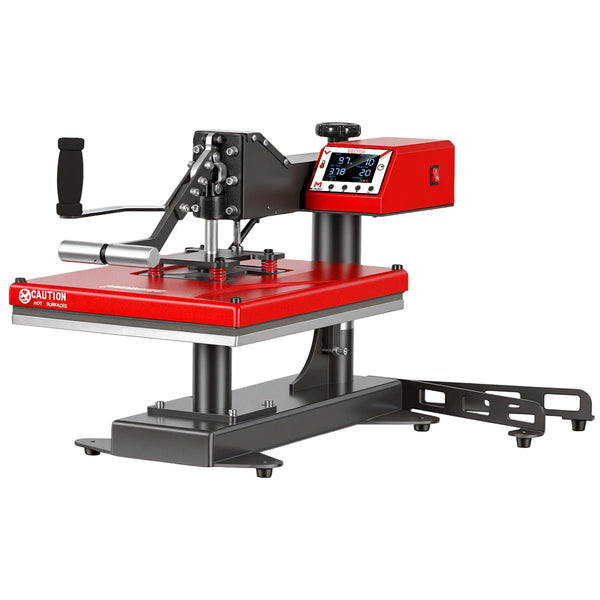
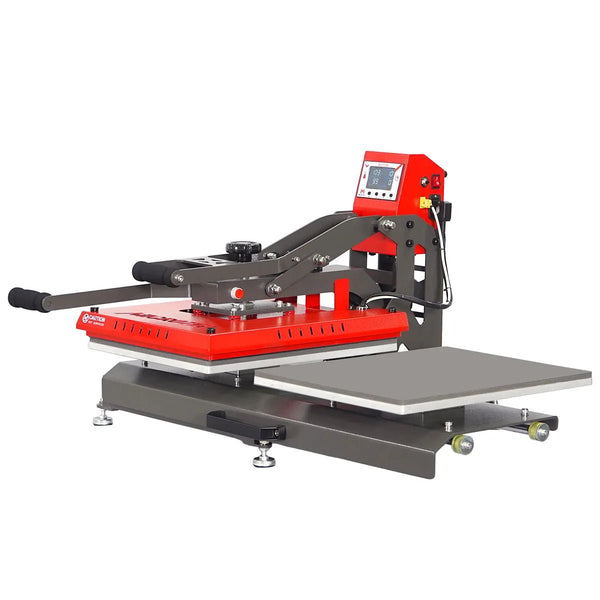
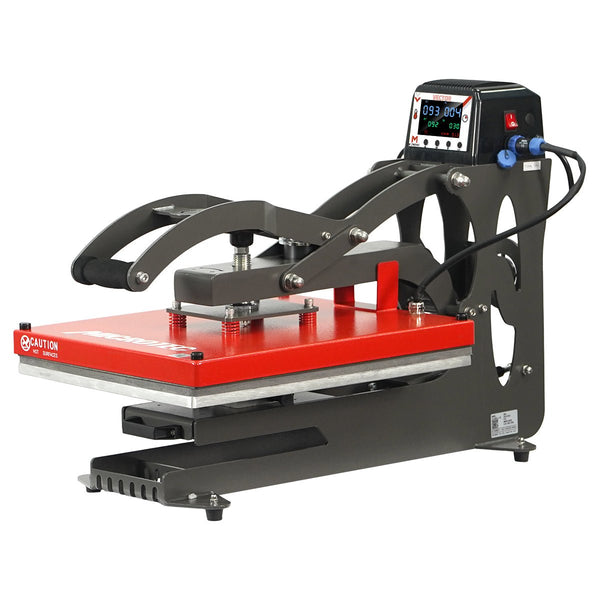
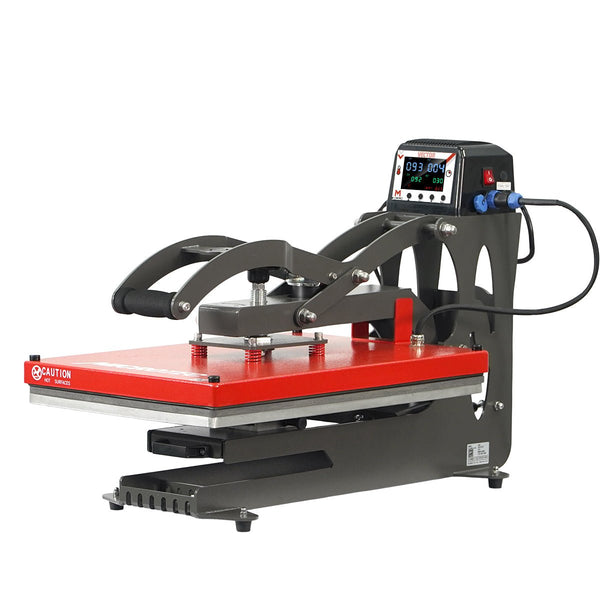
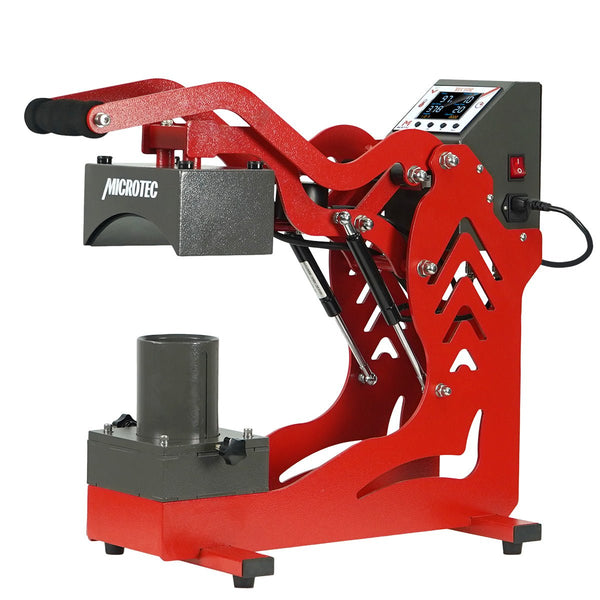
VECTOR Series
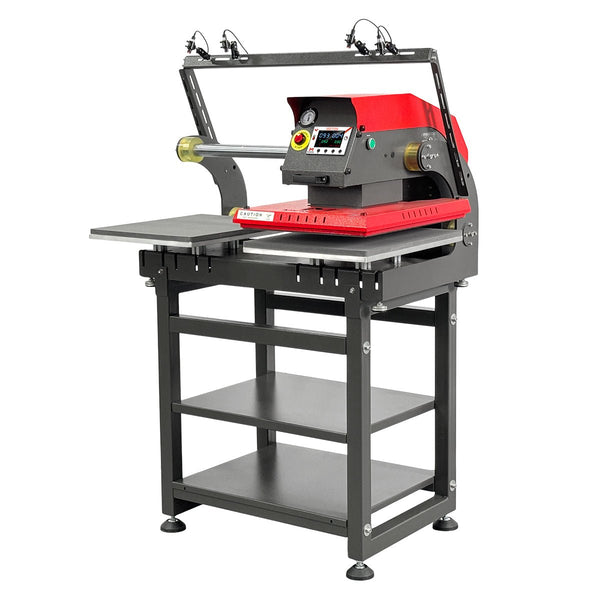
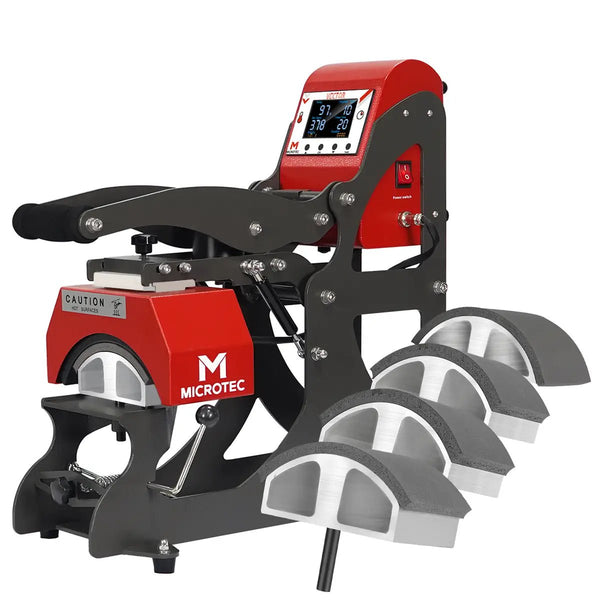
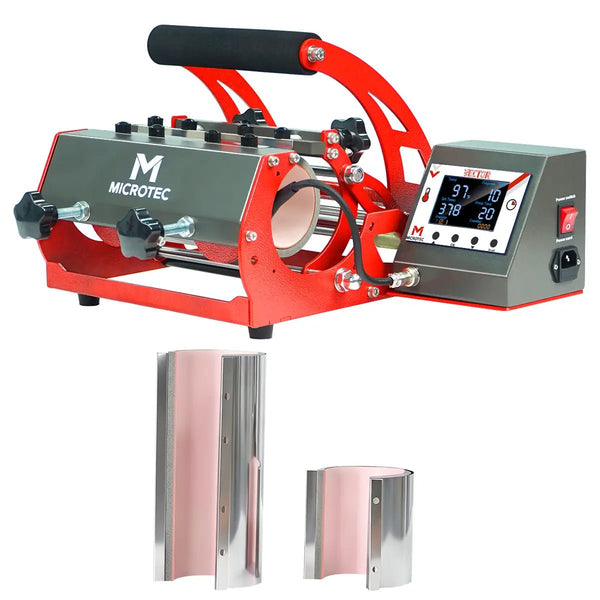
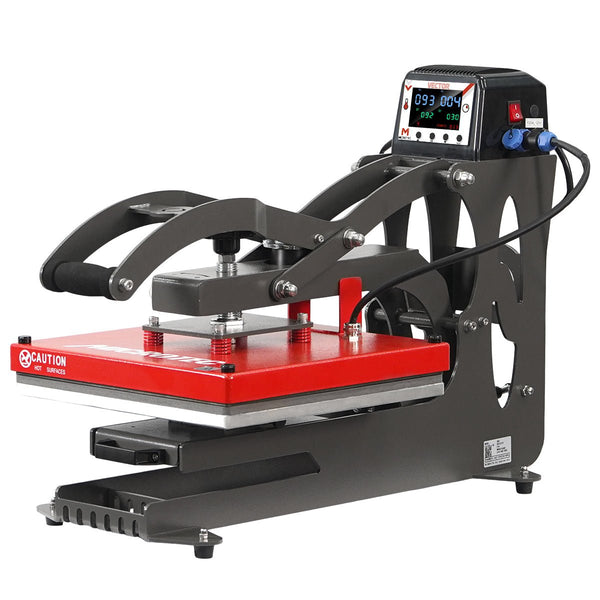
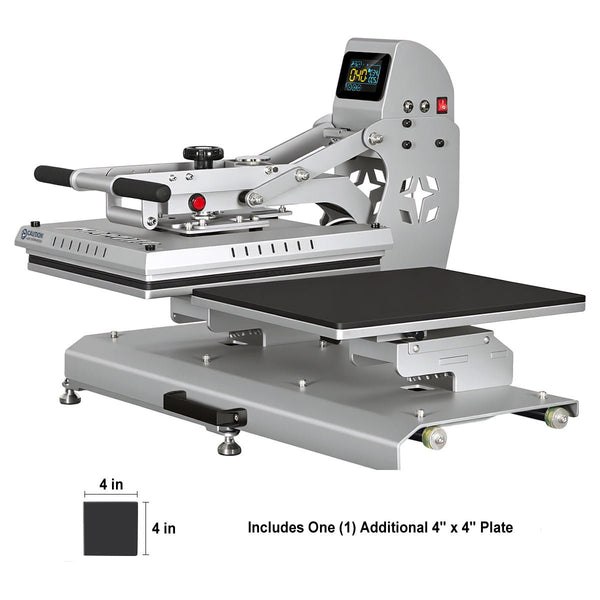
TITAN Series




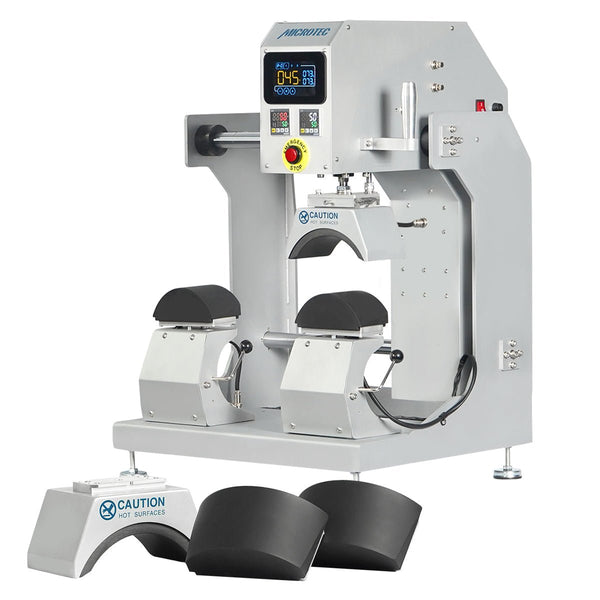

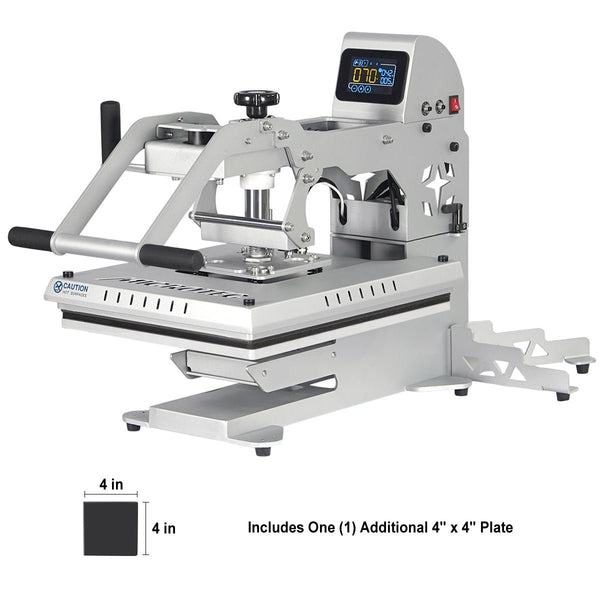
ATLAS Series
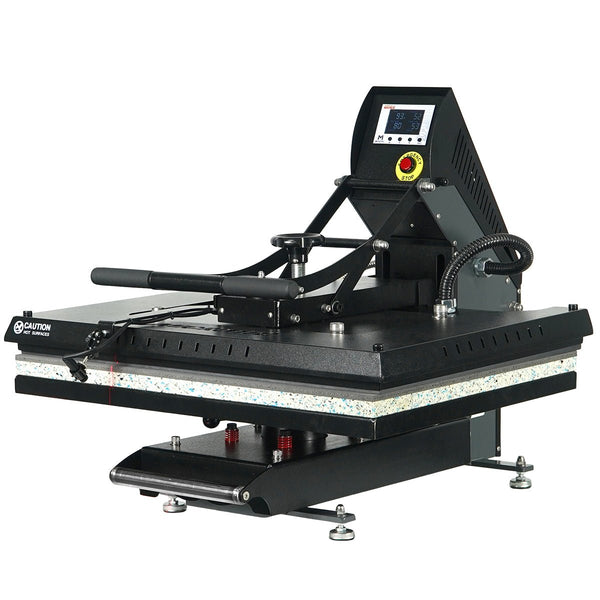
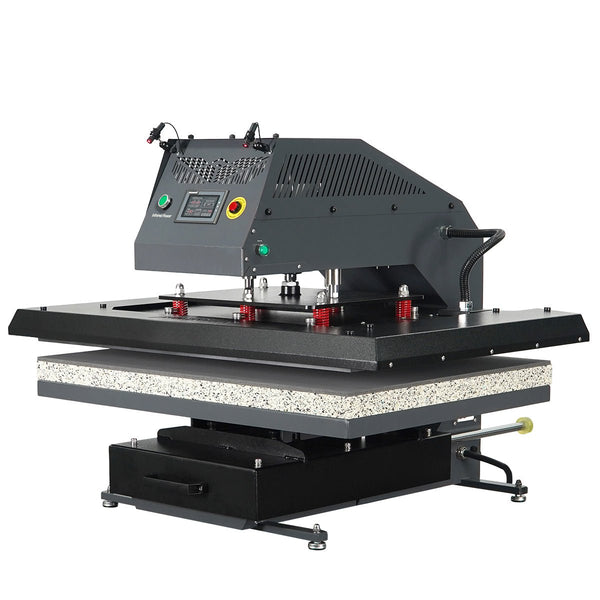

APEX Series
No manuals match your search.